
Add user
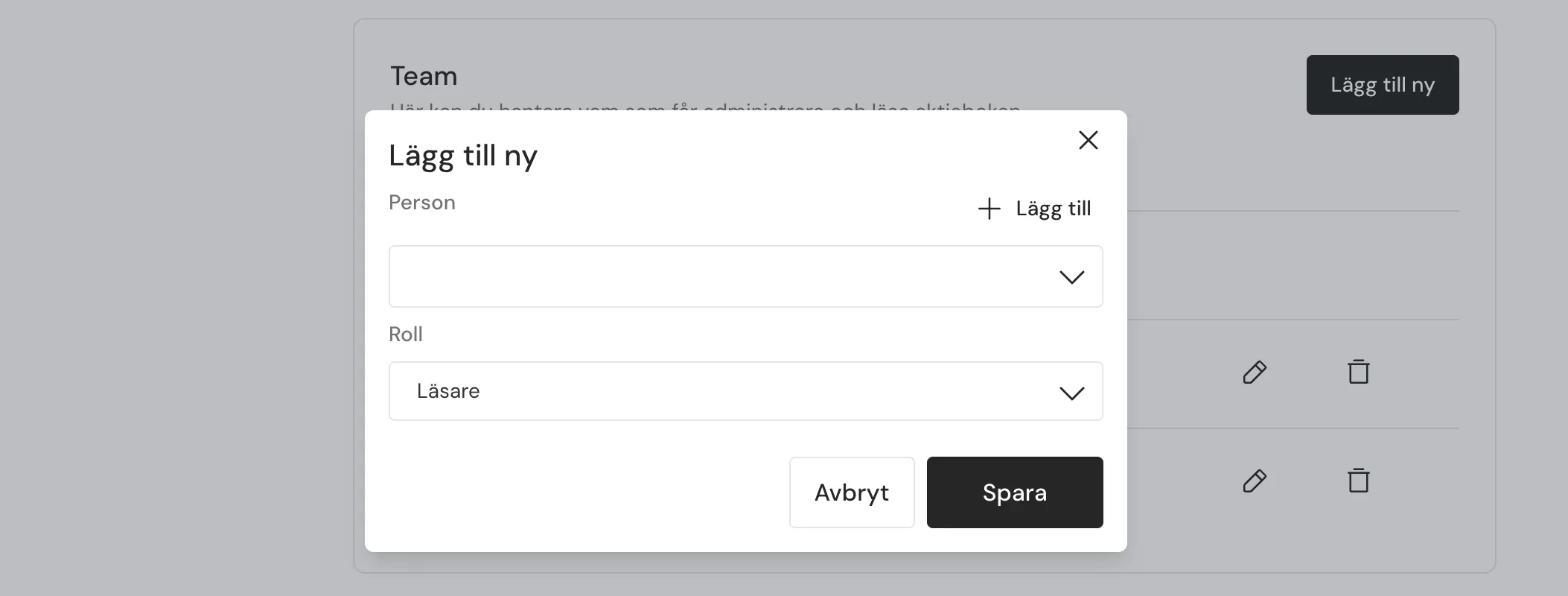
- Go to Settings -> Team
- Click Add user
- Select an existing person or click Add new to create one
- Choose role
- Click Save
Roles and permissions
Roles determine what a user can do in the system.
| Role | Access in the system |
|---|---|
| Administrator | Can edit, start approvals, and manage permissions in the share ledger. |
| Editor | Can edit and start approvals in the share ledger. |
| Viewer | Can only view the share ledger. |
Tips
- Change a user’s role at any time
- Use Viewer for external parties
- Only grant administrator access to people responsible for the share ledger